
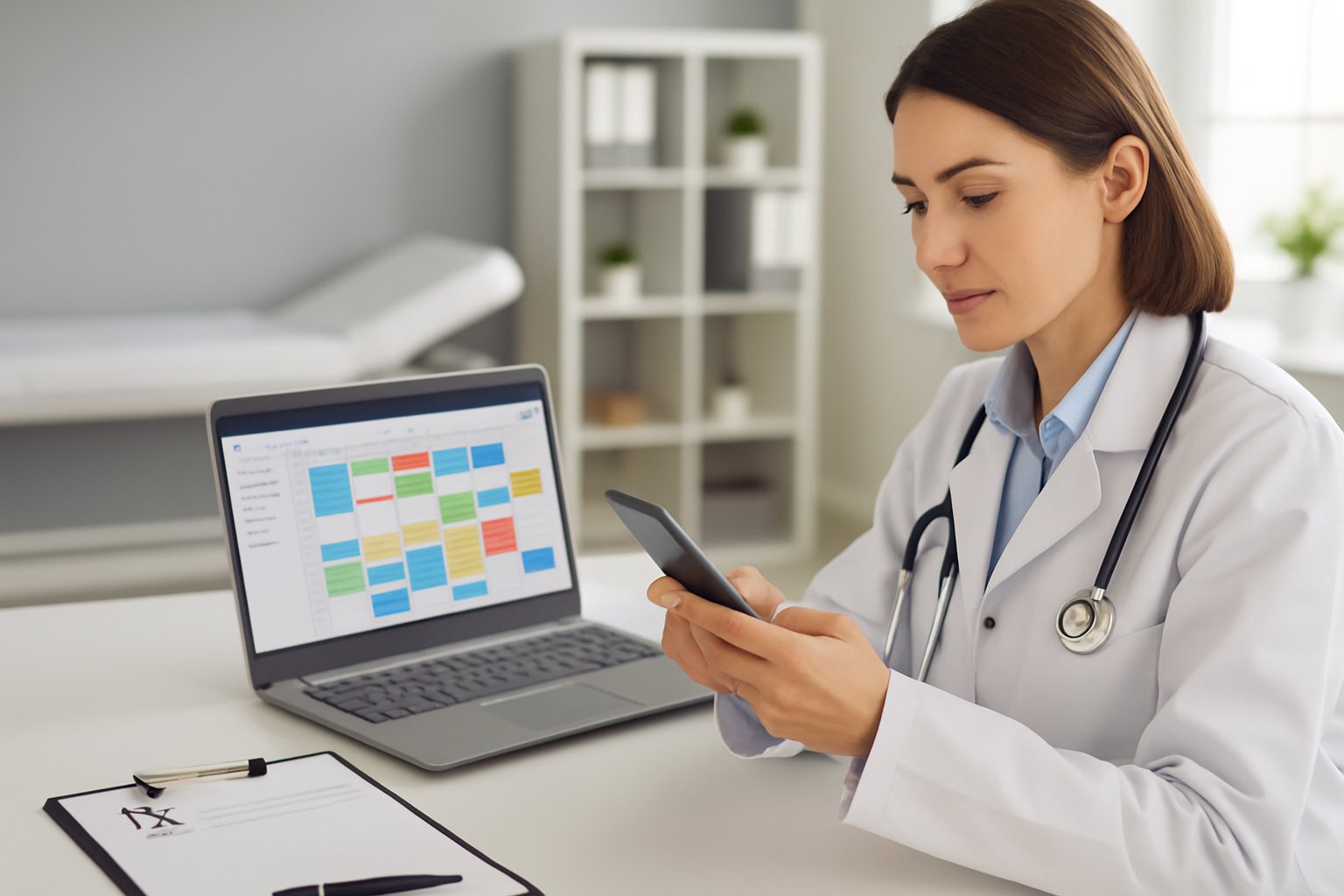
Fewer Missed Appointments: The Medical Calendar That Runs Itself
In this article
It is 10:15 in the morning and Dr. Andrés, a pediatrician in Cuenca, looks at the empty waiting room. The 10:00 appointment did not show up. Neither did the 9:30. His secretary tried calling, but nobody answered.
Meanwhile, the practice's WhatsApp never stops: one mother asks if there is a slot today, another wants to change her Thursday appointment, a third asks for the prescription to be sent again. The secretary writes everything down in a notebook full of crossings-out and arrows.
Dr. Andrés is an illustrative character. But this scene repeats every day in practices all over the country: empty hours because patients forget their appointments and, at the same time, patients who want a slot and cannot get one.
The invisible cost of a paper appointment book
A missed appointment is not just half an hour without work. It is a patient who perhaps did need that time and did not get it, income that does not come back and a front desk that spends the day chasing confirmations.
Add to that the disorder: two people writing in the same notebook, duplicate appointments, changes that are not recorded and a doctor who finds out about his schedule when he arrives at the practice. And after each visit, there is still the prescription to write by hand and the invoice to issue separately.
Dr. Andrés summed it up like this: "I feel like I work more on the schedule than with my patients".
The day he decided to try something different
A colleague mentioned that he used a cloud system for his practice. Dr. Andrés had doubts: he did not want to install programs, he did not have time for long training sessions and he worried about complicating his secretary's life.
He decided to take advantage of the 14-day free trial of JIVSoft's medical software. He did not have to install anything: he opened the browser, created his account and started registering the patients who came in that same week.
What changed in his practice
1. Patients book on their own
With the public booking page, the doctor shares a link and the patient chooses an available time without having to write or call. The secretary no longer answers twenty messages to arrange a single slot.
2. Appointment reminders via WhatsApp
The system sends appointment reminders via WhatsApp before the visit. The patient remembers the time and, if they cannot attend, lets the practice know in advance so the slot can be offered to someone else.
3. The schedule on his phone
With Google Calendar sync, Dr. Andrés sees his appointments on his phone before leaving home. He knows what his day will look like without calling the practice.
4. Medical record, prescription and invoice in the same flow
During the visit he records medical history, allergies, vital signs and the diagnosis with its ICD-10 code. When he finishes, he generates the prescription with his details and his electronic signature, ready to print or send, and issues the SRI-authorized electronic invoice without opening another program.
5. Certificates without rewriting everything
When a mother asks for a medical certificate for school, the doctor generates it from the patient's file, with his details and signature, instead of writing it by hand every time. The same goes for repeat prescriptions: the information is already in the system.
What if the practice grows?
Dr. Andrés plans to bring in a colleague next year. When that happens, he can move to the Centro Médico plan, which adds a calendar per professional and role-based permissions: the front desk handles the schedule and the cash register, each doctor handles their clinical part, and everyone logs in with their own user.
What was hardest (and how he solved it)
Not everything was immediate. During the first week, the secretary kept writing in the notebook "just in case". And some older patients preferred calling to using a link.
The solution was simple: they agreed that the notebook would go into a drawer starting the following Monday and that calls would still be answered, but the appointment would be entered directly into the system while the patient was on the phone. Nobody was left out and everything was kept in one place.
Tips that work even if you don't use any system
- Confirm appointments the day before. A short, friendly message reduces no-shows.
- Keep a waiting list. When someone cancels, you already know who to offer the slot to.
- Use a single place for the schedule. Two notebooks or two people writing separately is the recipe for duplicate appointments.
- Make your policies clear. How to reschedule and how much notice to give. Patients appreciate it.
The outcome
Weeks later, Dr. Andrés's practice feels different. The waiting room fills up as planned, the secretary has put away the crossed-out notebook and he ends the day with complete medical records and invoices issued. There is no magic: just an organized process and a tool that handles the repetitive work.
The lesson: a calendar that runs itself gives you back time for what matters, which is taking good care of your patients.
Try JIVSoft's medical software
Everything Dr. Andrés uses is included in the Consultorio Pro plan (from $34.99 + VAT per month, the most popular choice): medical records, calendar, prescriptions and certificates, plus SRI electronic invoicing, public booking page, Google Calendar sync, WhatsApp reminders and electronic signature. If several doctors work together, the Centro Médico plan adds a calendar per professional, roles, cash register and inventory.
Try it free for 14 days, no credit card and no installation required. Write to us at 097 876 6762 or visit jivsoft.com. We will help you set it up from Ecuador.
Related Articles
Keep exploring similar content.

Digital Public Health: What Your Practice Needs to Know
Ecuador's Ministry of Public Health (MSP) will connect 1,742 health centers through a digital medical record. What it means for your private practice and how to get ready.

Cybersecurity for SMEs in Ecuador: Comply with the LOPDP and Cybersecurity Law
SMEs in Ecuador face new legal obligations with the enforcement of the LOPDP and the recent Organic Law for Strengthening Cybersecurity. This article explains how to comply with these regulations to protect personal data and avoid penalties.
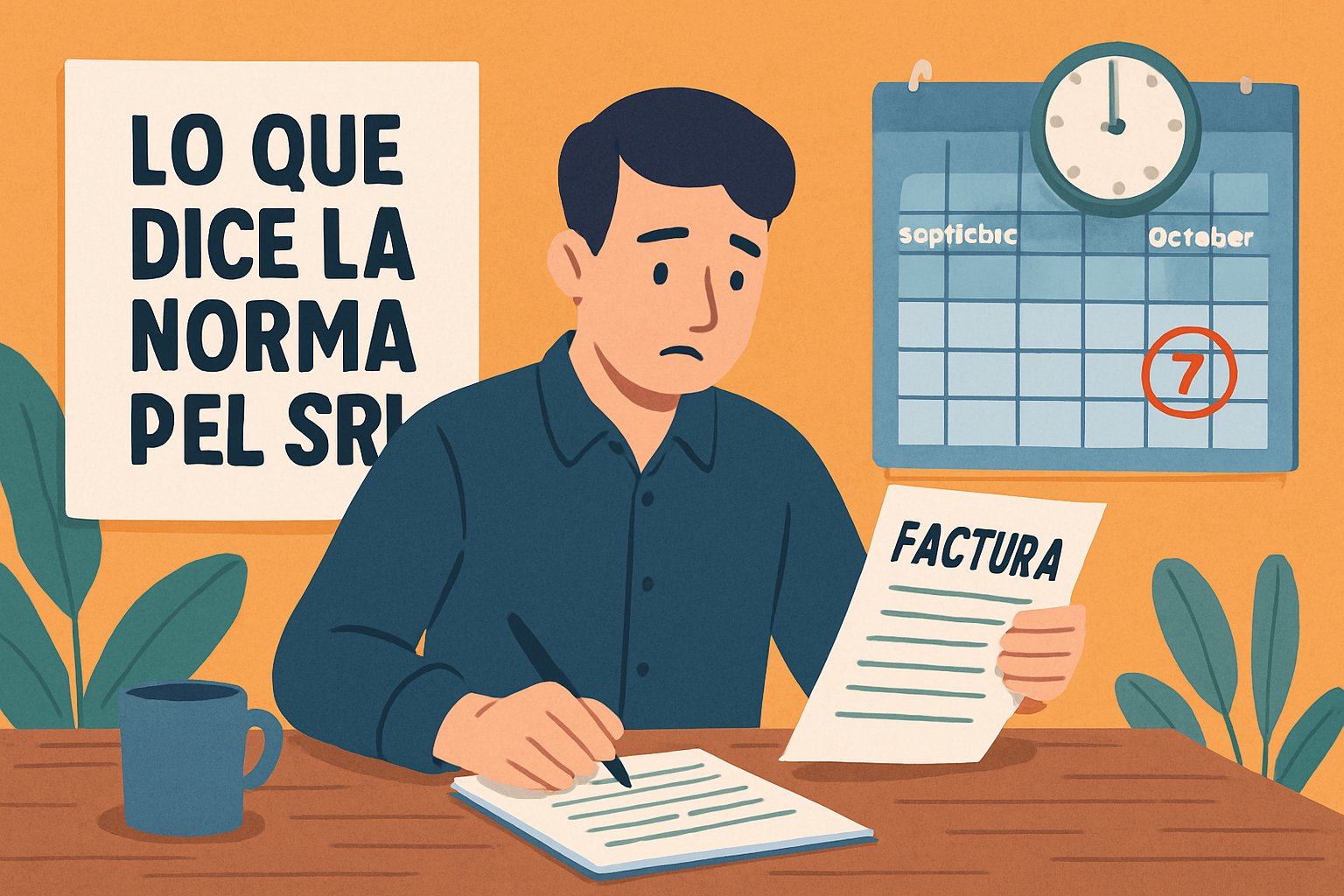
Cancelling SRI Invoices: Your Deadline Is October 7
September invoices can only be cancelled until October 7. What the SRI rule says and 5 habits to avoid missing the deadline.